 YouTubeSFX
Sound effects for Instagram
Reels that build then hit.
40+ curated sounds tuned for the Reels hook window — whooshes that build, impact hits that land at the 5–7s mark, risers for clean reveals. Drop into the Reels editor, CapCut, or any desktop tool. Safe for business accounts and branded content, no Content ID claims.

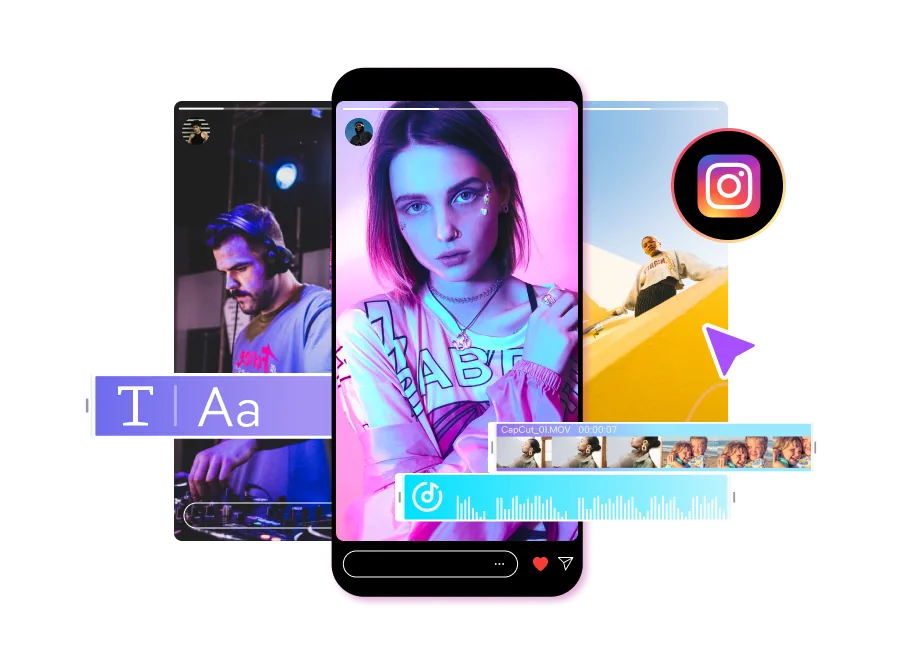
Three Reels styles.
One pack for all of them.
Reels rewards polish more than raw energy. Aesthetic creators, brand content, and education-style carousels each have distinct sound patterns — and the same 40-sound pack covers all three with the right placement.
Soft whooshes, polished cuts, hit on the reveal.
Lifestyle, GRWM, fashion, food, travel. The defining quality is texture, not energy. Soft whooshes on every transition at -22dB to -26dB so they sit under the music. One subtle impact hit on the reveal moment — the outfit, the dish, the destination. Total: 2–4 SFX in a 30s Reel.
Whoosh on B-roll, hit on the logo or CTA.
Branded content (the partnership-labeled kind), sponsored Reels, brand accounts posting product content. Production quality is non-negotiable. Whooshes on every product B-roll cut, a clean impact hit on the logo reveal or CTA card, and a riser before the price/feature drop. Sponsored Reels with strong SFX have measurably better CTR.
UI tap per text card, sub-bass on the key stat.
Carousel-style Reels — finance, business, productivity, fitness education. Information lands on screen in waves of text cards. A UI tap synced to each text overlay, a sub-bass hit on the punchline number or revelation, and a soft glitch on section breaks. Saves and shares compound when the pacing feels structured.
The 7-second window Reels uses
to decide if you're worth promoting.
Reels' algorithm is more forgiving than TikTok's — viewers will give you 2–3 seconds to set up before they decide to swipe. The trade-off: your payoff has to land somewhere between 5 and 7 seconds, not at second zero. That changes how SFX should be placed.
Each marker below is an SFX placed on the audio track. The gradient line marks the 7-second algorithm pivot — your hook payoff should land before it.
Three ways to add SFX to a Reel.
The Reels camera, CapCut, and desktop editors all work. Most serious creators bounce between two of them depending on whether they're shooting in-the-moment or batch-editing a content week.
Edit inside the Reels camera
Record or upload, tap the music note icon, then Upload audio to import an SFX from your phone's Files. Works for one external audio per Reel with limited timing control. Best for quick same-day Reels where one hook hit on the payoff is enough.
Edit in CapCut, post to Reels
The standard workflow for serious creators. Layer multiple SFX with precise timing in CapCut, export at 1080×1920, upload to Reels. Your audio becomes "original audio" attributed to your account — other creators can use it on their Reels.
Premiere, DaVinci, Final Cut
For batch-edited content, brand Reels, or anyone already running a YouTube workflow. Edit at 1080×1920 in your desktop editor, export, upload via Reels' web uploader or mobile app. Same SFX file, perfect timing control.
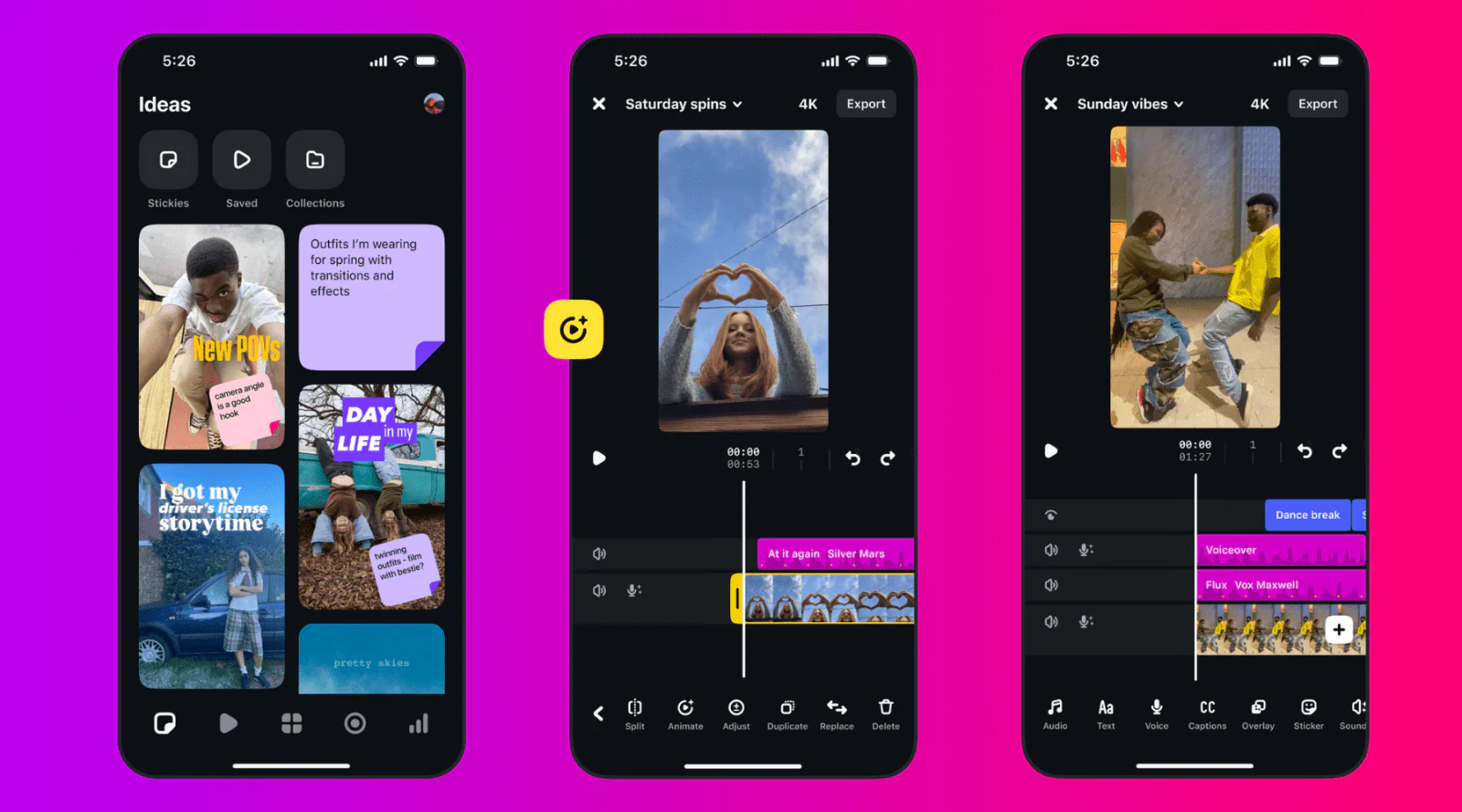
From download to Reel-ready in 5 steps.
Walk this once and the SFX placement becomes muscle memory for every Reel after. Build, layer, land — that's the pattern.
Get the pack
Download the YouTubeSFX free starter pack. Save to your phone (Files / Downloads) or desktop. Reusable across every future Reel.
Import to your editor
CapCut: Audio → From device. Reels: Music → Upload audio. Desktop: standard import. The same files work in all three workflows.
Build for 2–3 seconds
Soft whoosh on cut 1. A second whoosh on cut 2 around 1.5–2s. Keep them subtle — Reels viewers reward polish, not punch.
Riser into the 5–7s payoff
Place a 1–2 second riser leading into your hook payoff. Land an impact hit on the exact moment the visual reveal happens.
Cross-post the same file
Once it's working on Reels, the same 1080×1920 export works on TikTok and YouTube Shorts. No re-edits. Three platforms, one workflow.
Every Reel SFX you'll reach for, curated.
Each sound was tested against one question: does it actually move the retention needle on a Reel? If the answer was no, it didn't make the pack.
Sub-bass impacts and clean hits sized for the 5–7s reveal moment. Mastered to consistent loudness so they don't blow out music underneath.
Polished whooshes (0.3–0.8s each) that sit beneath dialogue or music. Mid-range frequency, designed not to fight your audio bed.
Short tension builders for the build-up before your payoff. 1–2 seconds — fits the canonical Reels arc from setup to reveal.
Digital stings and bass distortion. Used as section breaks in carousel-style Reels or as tech-aesthetic accents.
Vintage camera clicks and focus pulls. Essential for fashion Reels, GRWM photo cuts, and aesthetic montages.
Soft taps and clicks for text overlays and graphic reveals. The signature sound of carousel-Reel education content.
Outgrown 40 sounds?
The Ultimate Pack is every sound effect you'll ever need as an editor — 1000+ sounds across 69 categories covering Reels, YouTube videos, TikToks, client work, and anything else you'll ever cut. WAV and MP3, one download, royalty-free forever. You never shop for sound effects again.
Reels + sound effects, explained.
Quick answers to what Reels creators ask most often about using external SFX instead of (or alongside) Instagram's built-in music and audio library.
How do I add sound effects to Instagram Reels?
Three workflows work. (1) In the Reels camera: record or upload footage, tap 'Music' or 'Audio' in the side menu, then 'Upload audio' to import a file from your phone. (2) Via CapCut: edit your Reel in CapCut, place SFX with precise timing, export, then upload to Reels — this is what most serious creators do. (3) Desktop: edit in Premiere, DaVinci, or any editor, export at 1080×1920 vertical, upload via Instagram's web uploader or mobile app. The YouTubeSFX pack works in all three since the files are standard WAV and MP3.
Are these sound effects safe for business and creator accounts?
Yes. This is important because Instagram applies stricter audio licensing rules to business accounts than personal accounts — most commercial music is unavailable for business profiles, which is why brands need their own SFX library. The YouTubeSFX pack is royalty-free with a full commercial license, no attribution required, no Content ID claims. You can use them on personal, creator, AND business accounts without restrictions, including in branded content with the partnership label.
Can I share a Reel with these SFX to my Story and feed?
Yes, that's actually one of Reels' biggest advantages over TikTok. When you publish a Reel with imported SFX, the audio travels with the video everywhere — your Reels tab, the main feed, Stories (if you share it), Explore, and the dedicated Reels tab. The audio is baked in so nothing gets stripped. You're getting one piece of content surfaced across 4–5 different placements on the same platform.
How is sound design for Reels different from TikTok?
The audiences and retention windows are different. TikTok's algorithm tests retention in the first 1.5 seconds — very tight. Instagram Reels gives you closer to 7 seconds before the algorithm decides whether to expand distribution, because Reels users are more accustomed to slower-build, aesthetic content. The implication: TikTok rewards an immediate hook hit; Reels rewards a build — a softer opening, a whoosh on the second cut, then a payoff hit landing in the 5–7 second sweet spot inside that window. See our dedicated TikTok sound effects guide for the contrasting workflow.
Will Reels' music library cause Content ID issues that these SFX won't?
Sometimes, yes. Reels' built-in music library is fine for personal use, but if you're on a business or creator account — or if you cross-post to other platforms — some tracks are flagged or unavailable. SFX you import are unregistered, won't trigger Content ID anywhere, and travel cleanly to YouTube Shorts, TikTok, or anywhere else you might repost. For creators serious about cross-posting, imported SFX is the safer path.
What makes a sound effect work for an Instagram Reel?
Three things. First, build rather than blast — Reels viewers tolerate a 2–3 second setup, so a soft whoosh on the opening transition often outperforms an aggressive bass hit on second zero. Second, polish — Reels' audience expects production quality, so sounds should be mastered (consistent levels) rather than raw. Third, fewer total SFX than TikTok — 2–4 SFX in a 30-second Reel is the sweet spot for aesthetic content; 4–6 for higher-energy edits.

Ready to make Reels that build then land?
Free starter pack, instant download. 40+ sounds tuned for Reels' 7-second hook window. Works in the Reels camera, CapCut, Premiere, DaVinci — anywhere you edit. Safe for business accounts and branded content.
Editing Reels only? Our sister site SFXReels has a free pack of 50 sound effects built specifically for Instagram Reels — meme sounds, transitions, and viral audio included.
Download Free Starter Pack Get 1000+ SFX